/
Link
Link
- Gautam Thapar
Owned by Gautam Thapar
Last updated: Jan 12, 2016
Link related options comes under this tab.
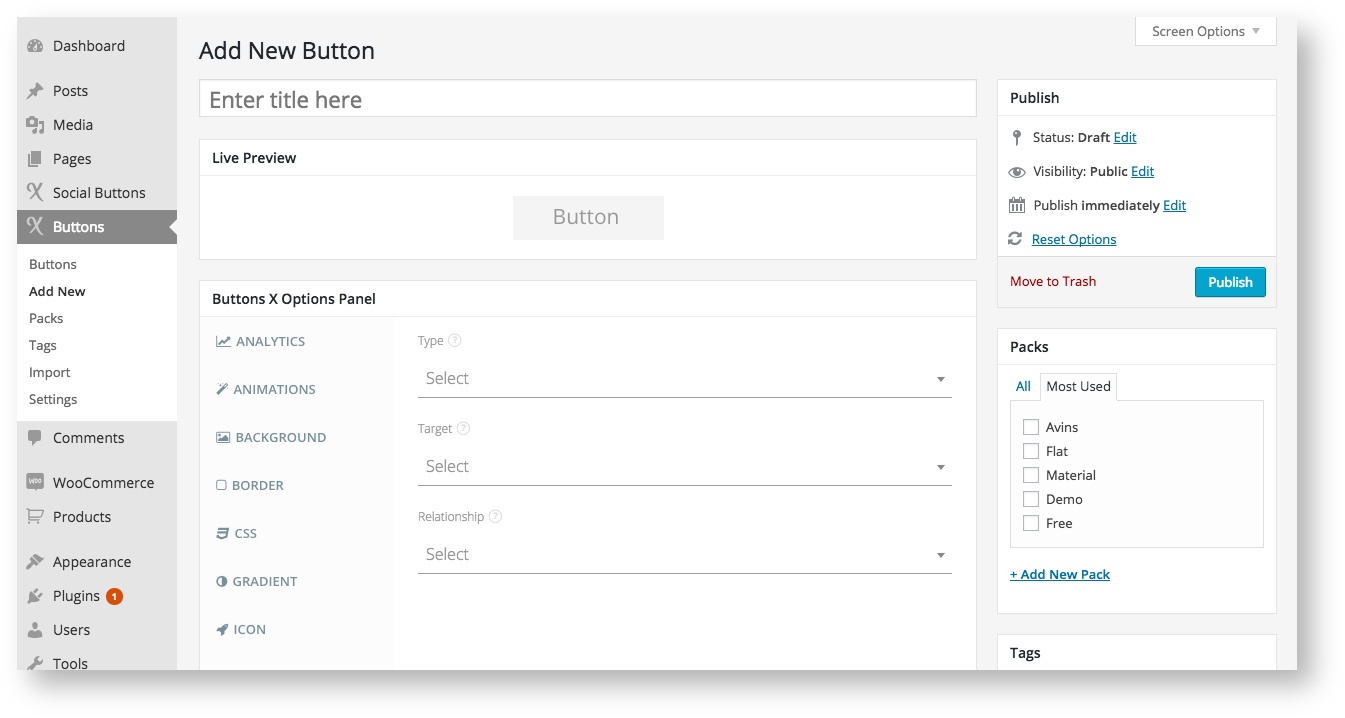
Available Options:
| Link | |||||
|---|---|---|---|---|---|
| Field Label | Field Type | Short Code Attribute | Default Value | Available Values | Description |
| Type | select | link_type | - | admin_page, back_to_top, edd_checkout, dd_straight_to_gateway, facebook_share, home_page, login, login_redirect_current_page, login_redirect_home_page, login_redirect_custom_page, logout, logout_redirect_current_page, logout_redirect_home_page, logout_redirect_custom_page, lost_password, lost_password_redirect_current_page, lost_password_redirect_home_page, lost_password_redirect_custom_page, menu, pinterest_share, popup_maker, post, register, twitter_share, url, woocommerce_add_to_cart | Choose the type of link required for the button. |
| Target | select | link_target | - | new_window, same_window | Where would you like to open the new link? New window or Same Window? |
| Relationship | select | link_relationship | - | (blank), alternate, author, bookmark, help, license, next, nofollow, noreferrer, prefetch, prev, search, tag | It species the relationship between the current document and linked document/resource. Alternate - Links to an alternate version of the document. Author - Links to author of the document. Bookmark - Permanent URL used for bookmarking. Help - Links to a help doument. License - Links to copyright information for the document. Next - The next document in a selection. Nofollow - Links to an unendorsed document, like a paid link. No Referrer - Specifies that the browser should not send a HTTP referer header if the user follows the hyperlink. Prefetch - Specifies that the target document should be cached. Previous - The previous document in a selection. Search - Links to a search tool for the document. Tag - A tag (keyword) for the current document. |
| EDD Download ID | select | link_edd_id | - | All EDD downloads | Select Easy Digital Downloads download ID. |
| Menu as Dropdown | select | link_menu | - | - | Select a menu. These are the menus created under Appearance -> Menu. |
| Post/Page/CPT | select | link_post | - | - | Select a post, page or custom post type. |
| URL | text | link | - | - | Add a custom URL. |
| Redirect URL | text | link_redirect_url | - | - | Only add the last part of the url where you would like to redirect user. If the full URL is http://wwww.example.com/my-page/ then only add /my-page/ in this field. The other part of the URL is computed automatically. |
| Woocommerce Product ID | select | link_woocommerce_id | - | All Wocommerce products | Select a Woocommerce product ID. |
| Popup Maker | select | link_popup_maker | List of all popup's created using Popup Maker plugin. | Select a popup. | |
, multiple selections available,
Related content
Background
Background
More like this
Additional
Additional
More like this
Introduction
Introduction
More like this
Animations
Animations
More like this